

Operations. Students, ranks and schedule on the same data.
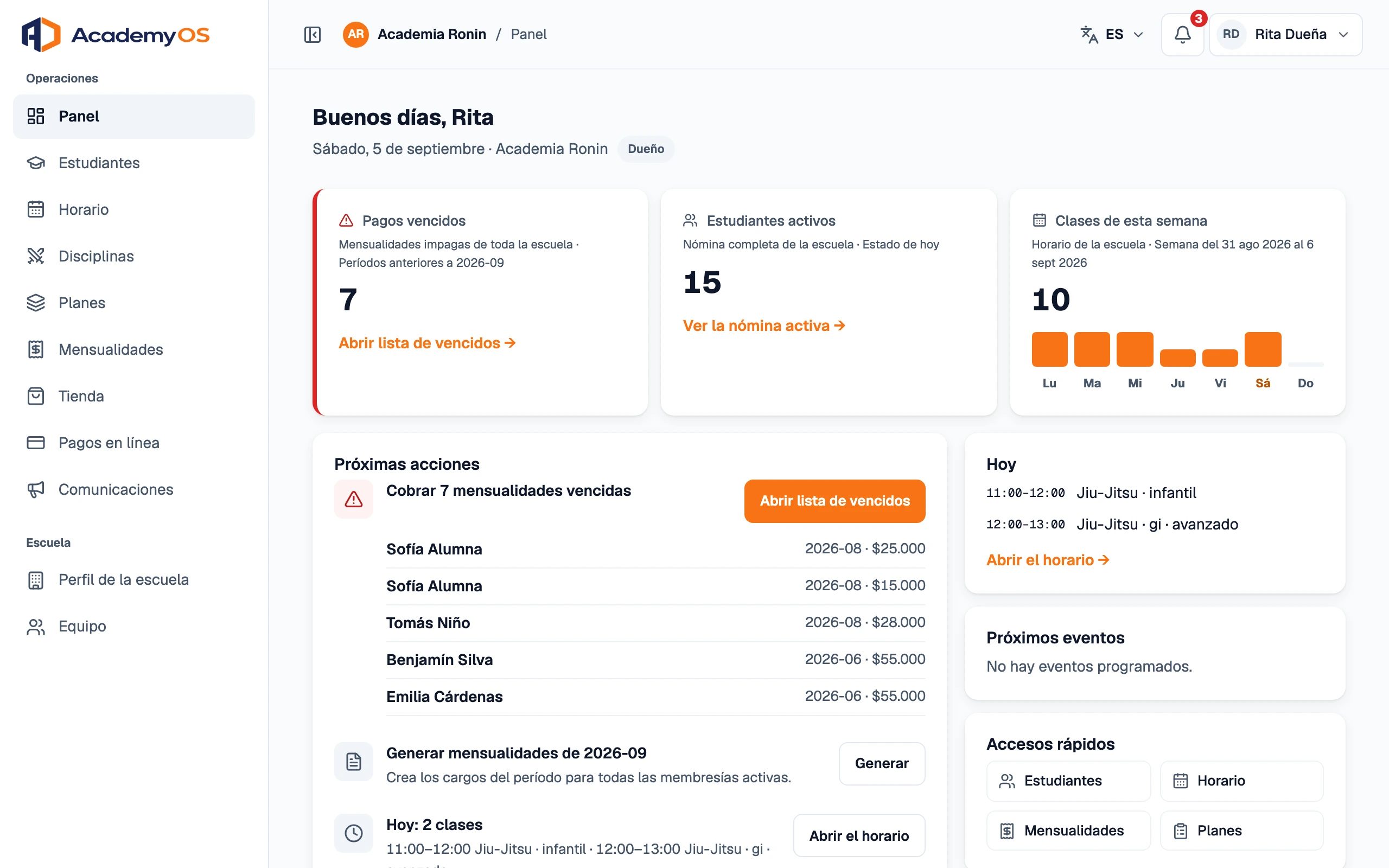
- Roster with each student's profile, plan and payments
- Promotions with history
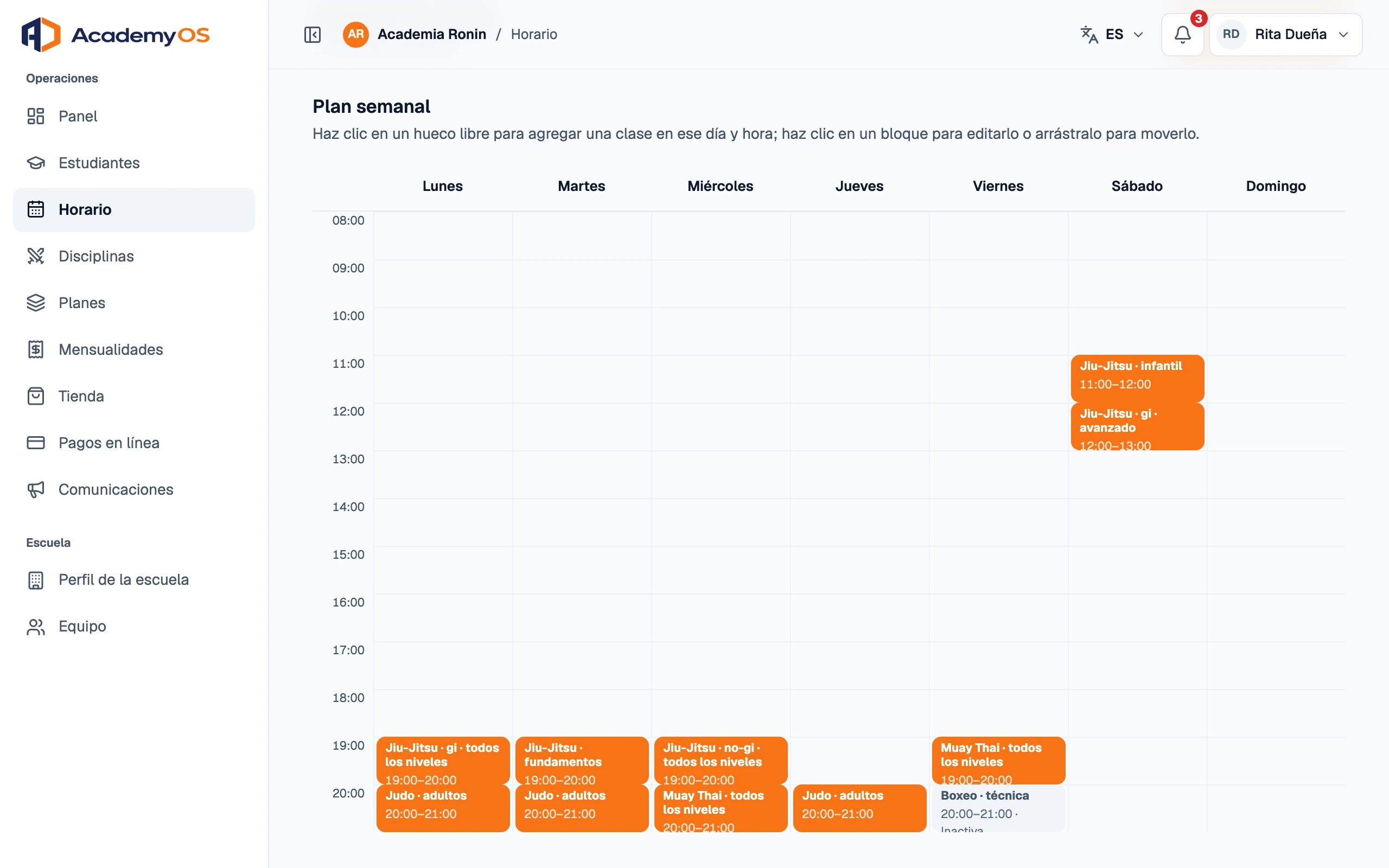
- Weekly schedule on a grid
Software for martial arts academies
Students, payments, schedule and announcements in one place. So the time goes to the mats, not the spreadsheet.
Accounts are created by invitation. If your school already uses AcademyOS, ask whoever runs it for access.
Demo: search Charges, filter the overdue ones and send a reminder.
Jiu-Jitsu Karate Taekwondo MMA Judo Kickboxing Muay Thai
Built from inside a real academy.
Three things an academy does every week, done once.
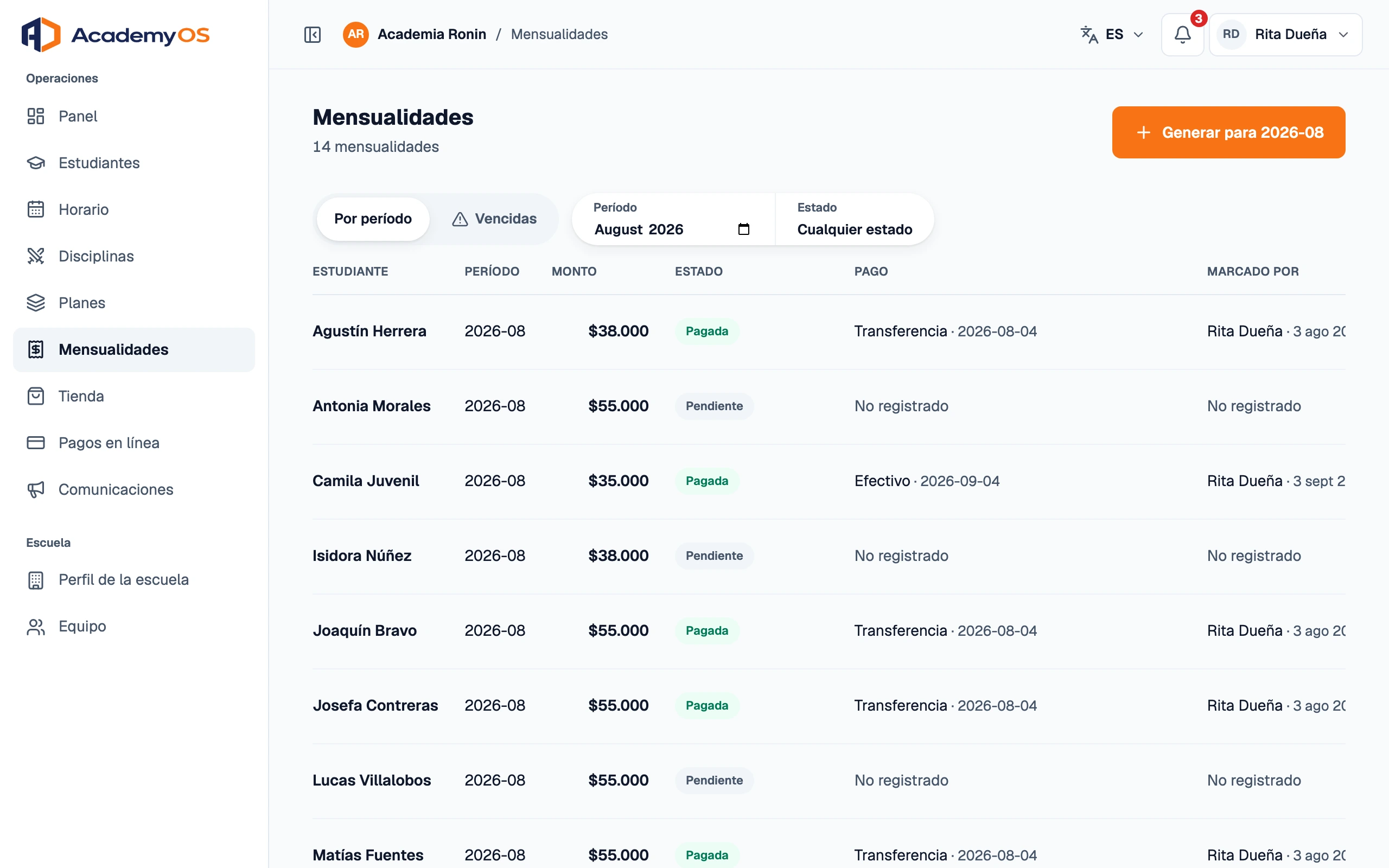
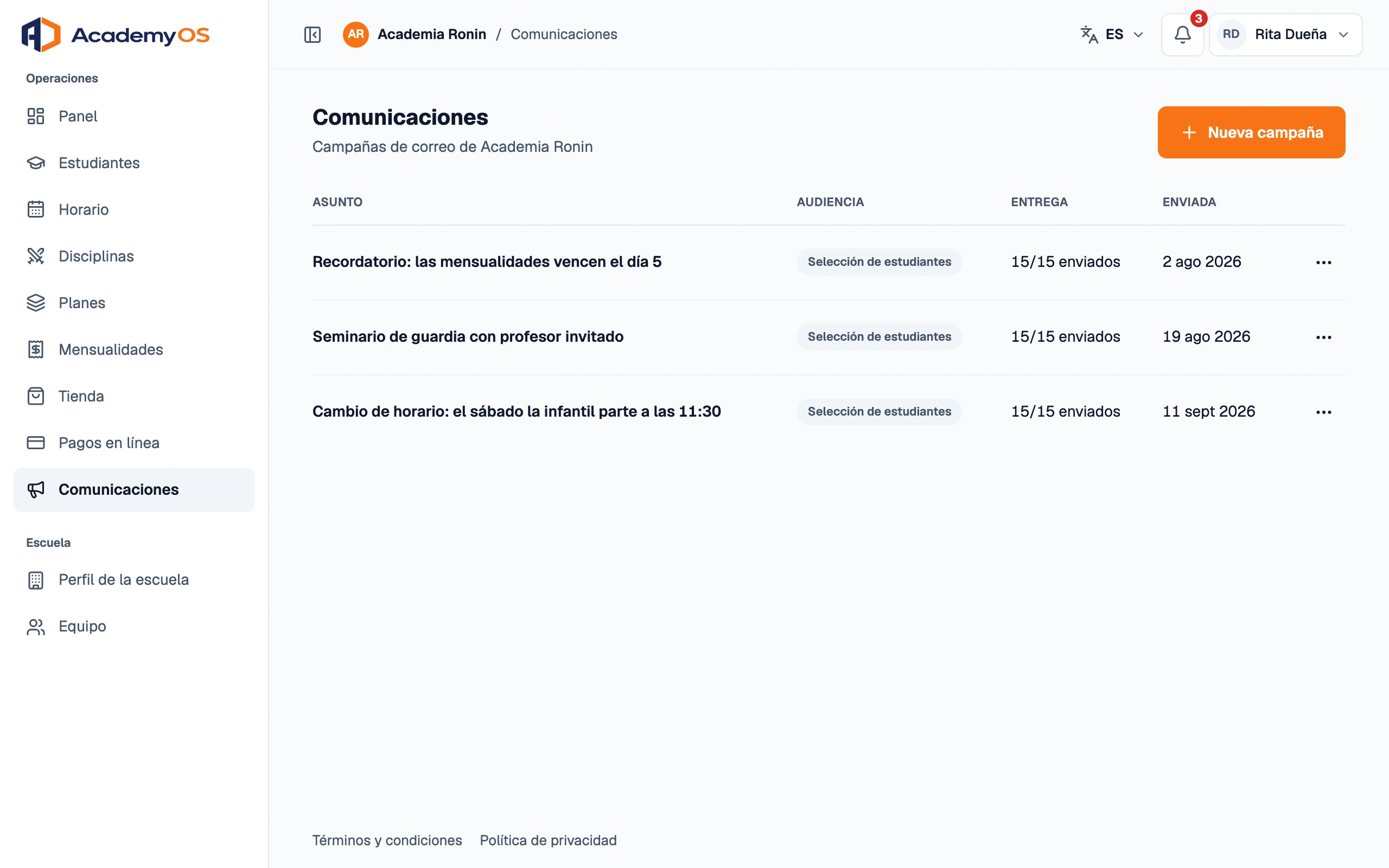
What happens to a monthly fee from the day it is raised until it is paid, or late.
Late September
One charge per student, by their plan, five days before the month starts. No spreadsheet.
October 5
If the school turns reminders on, every student or guardian gets one on the due date.
Whenever they can
Online, straight into the school's account, or by reporting a bank transfer with its proof for the school to approve.
On payment
A numbered PDF receipt is issued, and whoever paid is notified.
October 8
A second reminder goes out, and the student's record shows them as overdue.
For iPhone and Android. Each person signs in with their own account and sees only what is theirs.
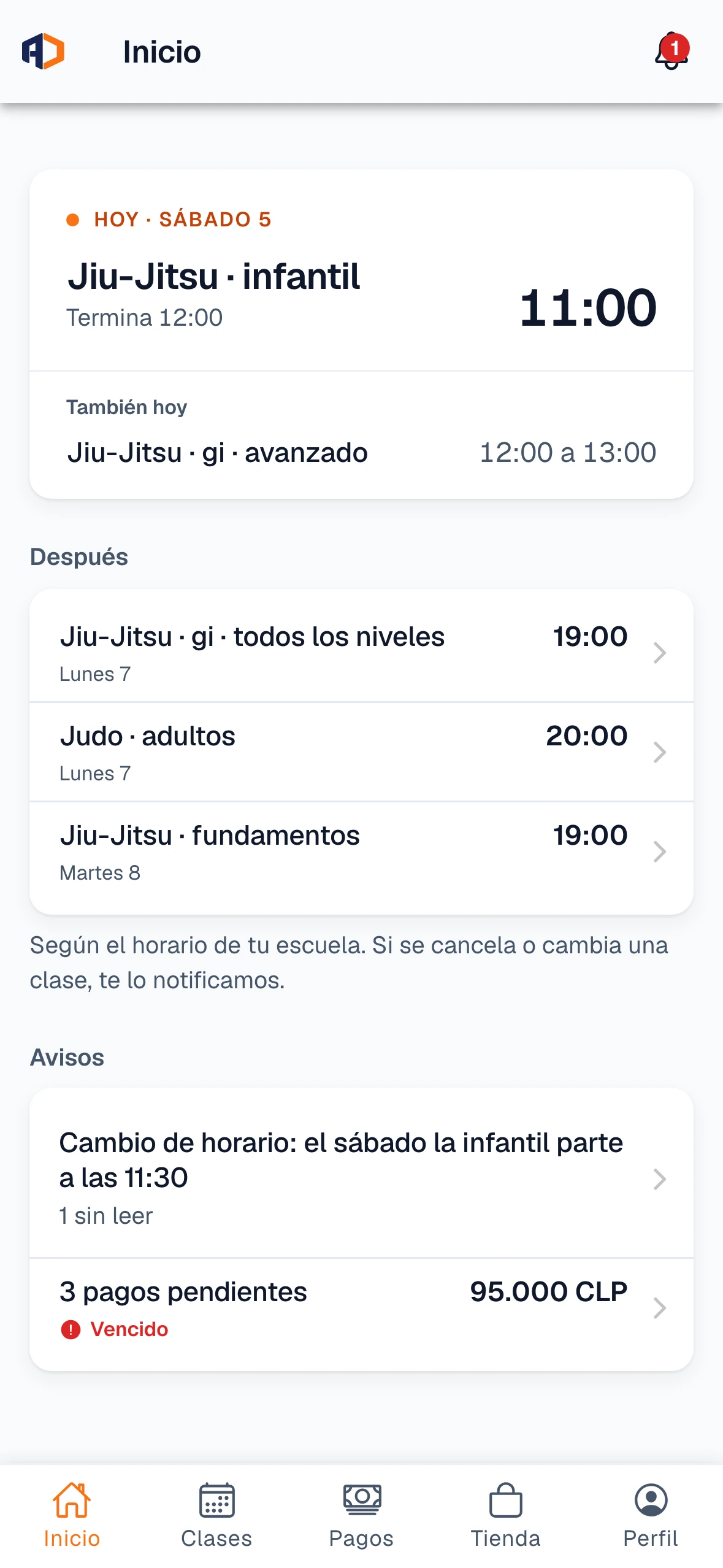
Today's and the week's classes, with changes marked.
Online, or by reporting a transfer with its proof.
See the schedule and fees of each child they represent.
Their day's classes and the roster, from the same phone.
Every promotion lives on the student's record: the belt, the stripes, the date and who awarded it.
White 4 stripes
Blue 4 stripes
Purple 4 stripes
Brown 4 stripes
Black 4 stripes
The adult Jiu-Jitsu ranks, as an example. Every discipline keeps its own.
Who awarded each stripe and when, in the student's history.
Someone who trains Judo and Jiu-Jitsu walks two paths, each with its own belts.
Students see their belt and stripes in the app.
The console guides you step by step, and the checklist disappears on its own once everything is ready.
Profile, plans and weekly schedule.
One by one or from your spreadsheet. Each one activates their access from the email.
The first billing period, in one step.
There is no self-registration. Write to us and we arrange access; students and instructors get their invitation by email.
To your school's account. With transfer, the student pays straight into your bank account; online payment, once you enable it, uses the school's own Mercado Pago account. The platform neither holds nor manages those funds.
An iPhone or an Android. The app is on the App Store and Google Play; downloads open soon, and the account is always created by the school.
The owner manages everything. Instructors work with their classes and students. Each student and guardian sees only what is theirs.
We reply to the email you leave us and arrange access.
I already have an account